















Video templates.

Pick one, add your photos & videos.We edit the video.

18 now, more every month
Five free, thirteen with PRO

Download on the App StoreGet it on Google Play
FREE
Christmas MorningChristmas Day
PRO
Snow GlobeSnow days, Christmas trips
PRO
Holiday CardThe family Christmas card, sent as a film
PRO
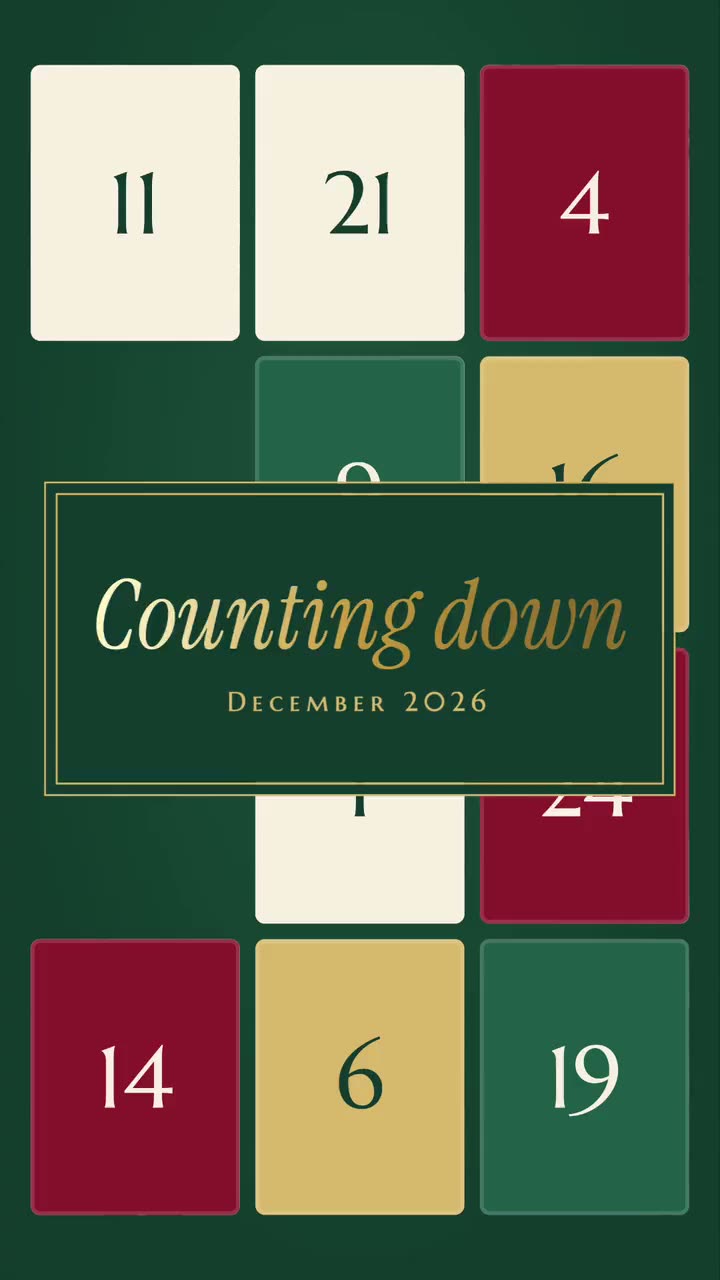
AdventThe whole of December
FREE
First SnowSnow days, cozy weekends
PRO
Lift PassSki and snowboard trips
FREE
MidnightNew Year’s Eve, a year’s ten best moments
PRO
Twelve MonthsA whole year, January to December
PRO
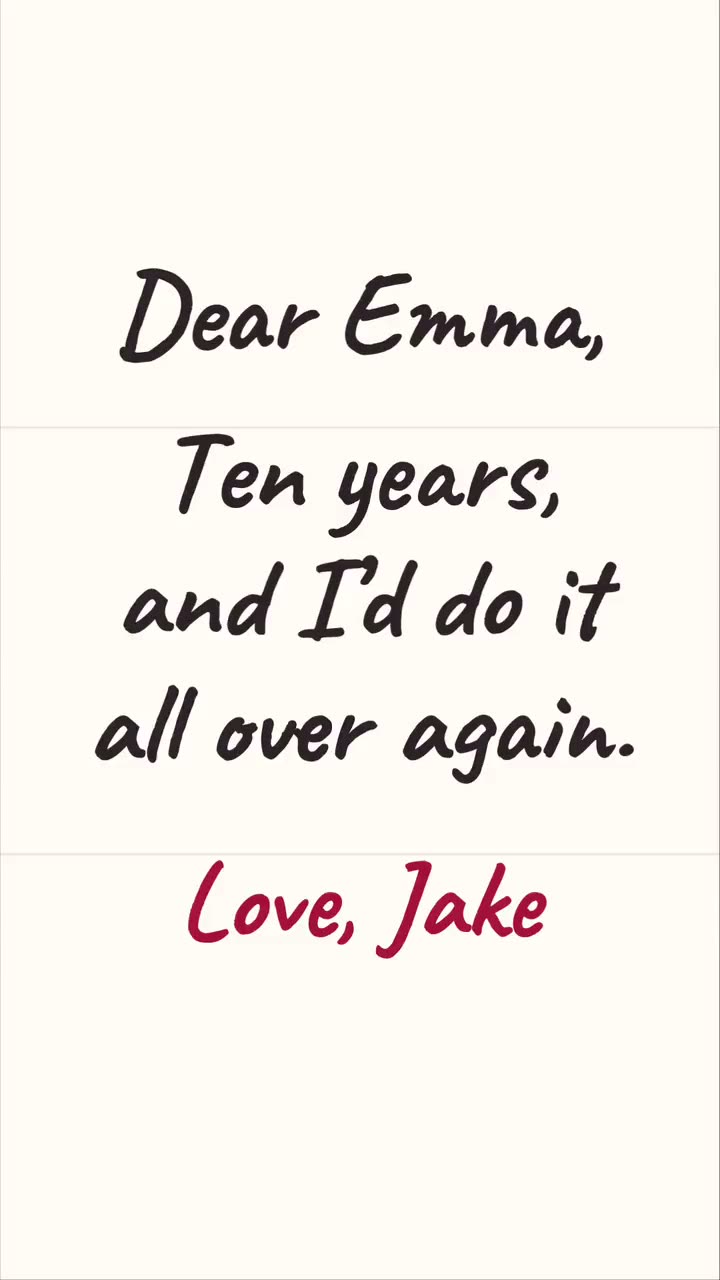
Love LetterValentine’s Day, anniversaries
FREE
ThankfulThanksgiving dinner
PRO
GoldenFall days, pumpkin patches, walks
PRO
DoorbusterA haul, or a shop’s own sale
FREE
PostcardTrips
PRO
FeatureAnything you want to feel like a film
PRO
AlbumKids, family days, every shape of photo
PRO
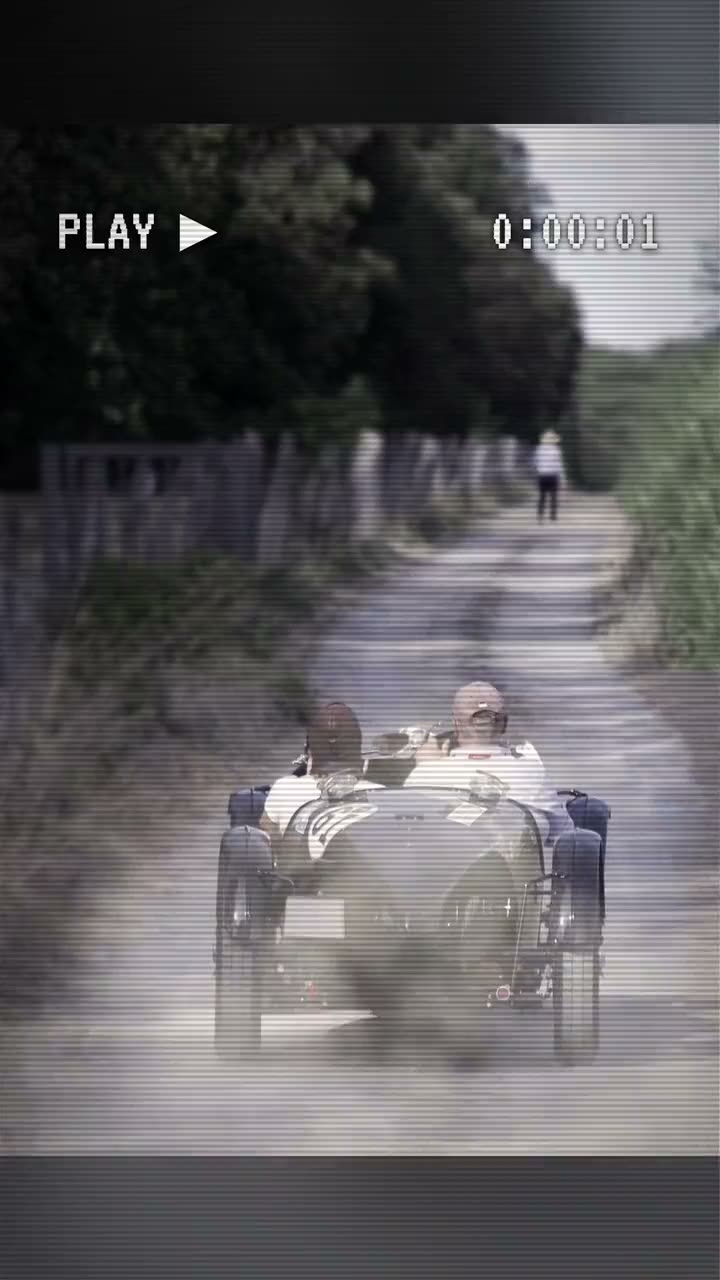
Home MovieOld footage, nostalgia, no typing at all
PRO
KeepsakeChristenings, weddings, babies
PRO
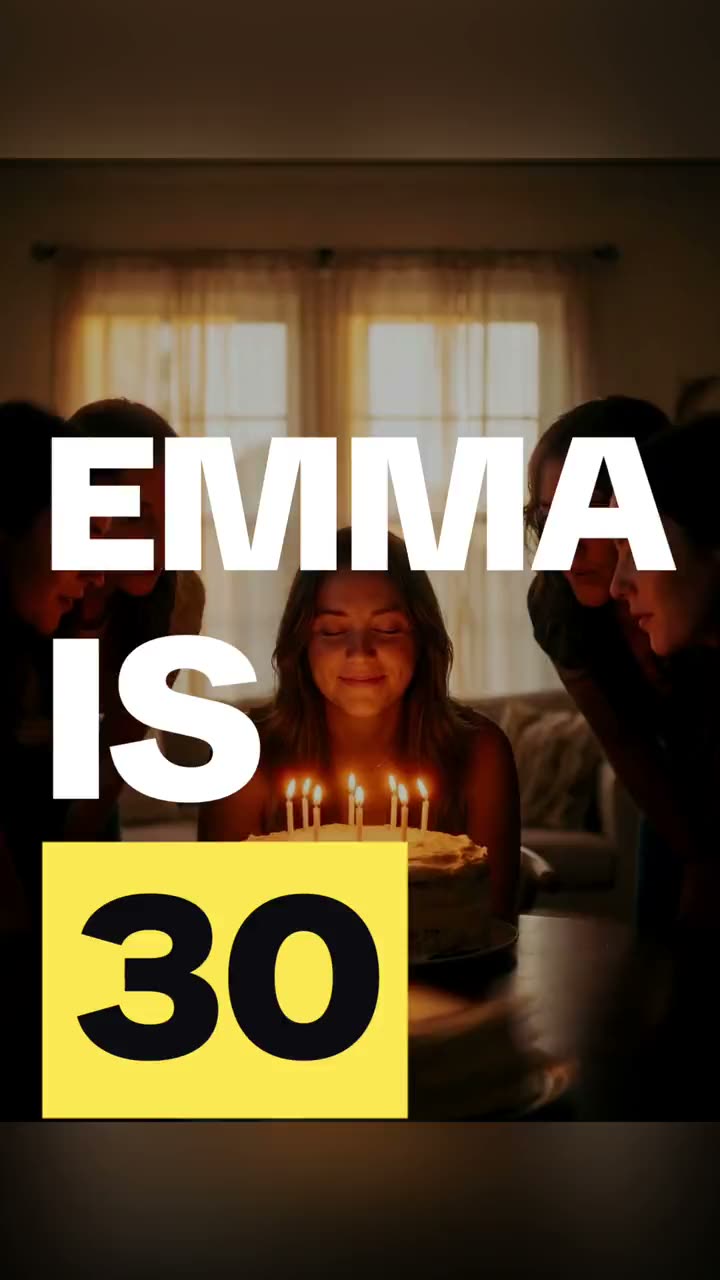
Big WordsBirthdays, parties, sport, anything loud

The complete
music video editor.

Add music, captions and your voiceto any video, in one app.

Download on the App StoreGet it on Google Play

Free to try · No account needed ·
iPhone and Android

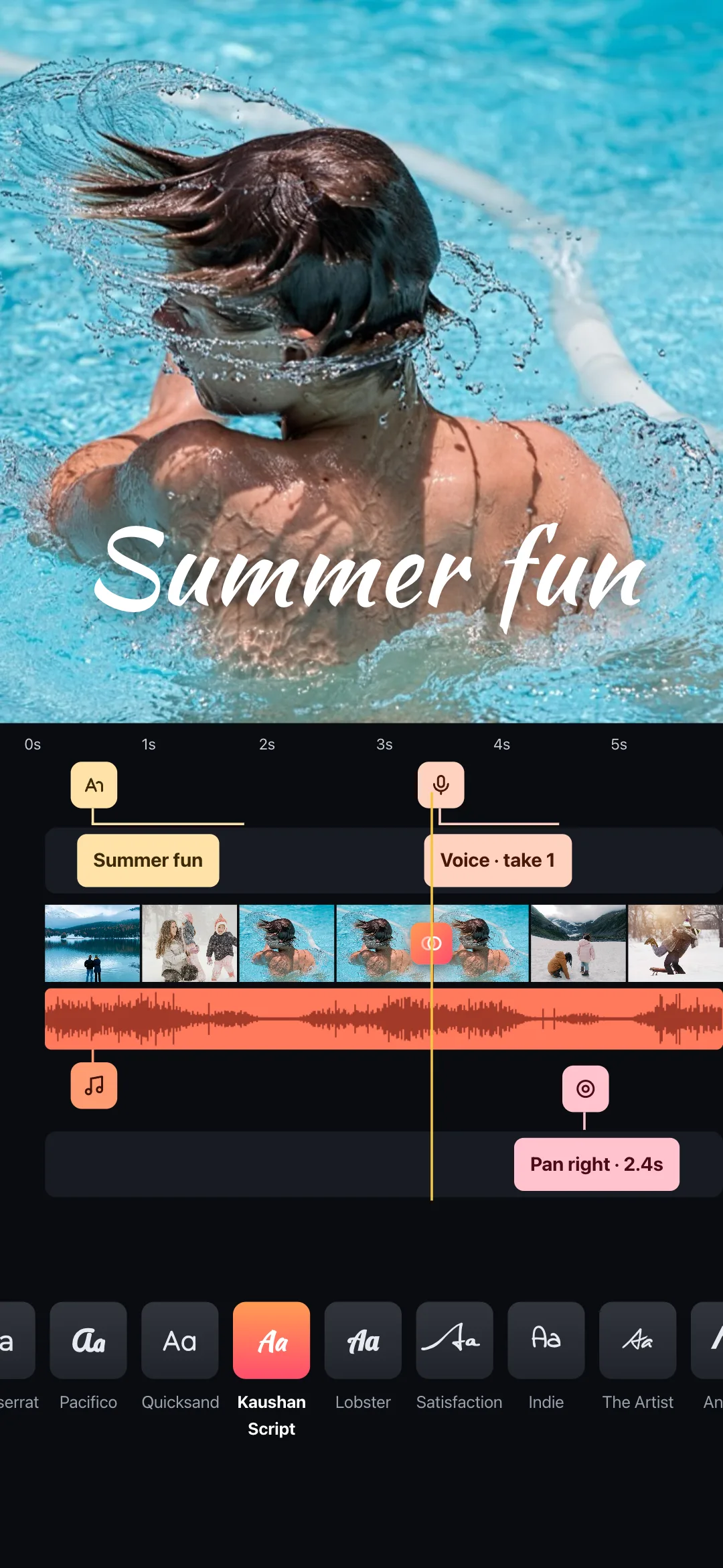
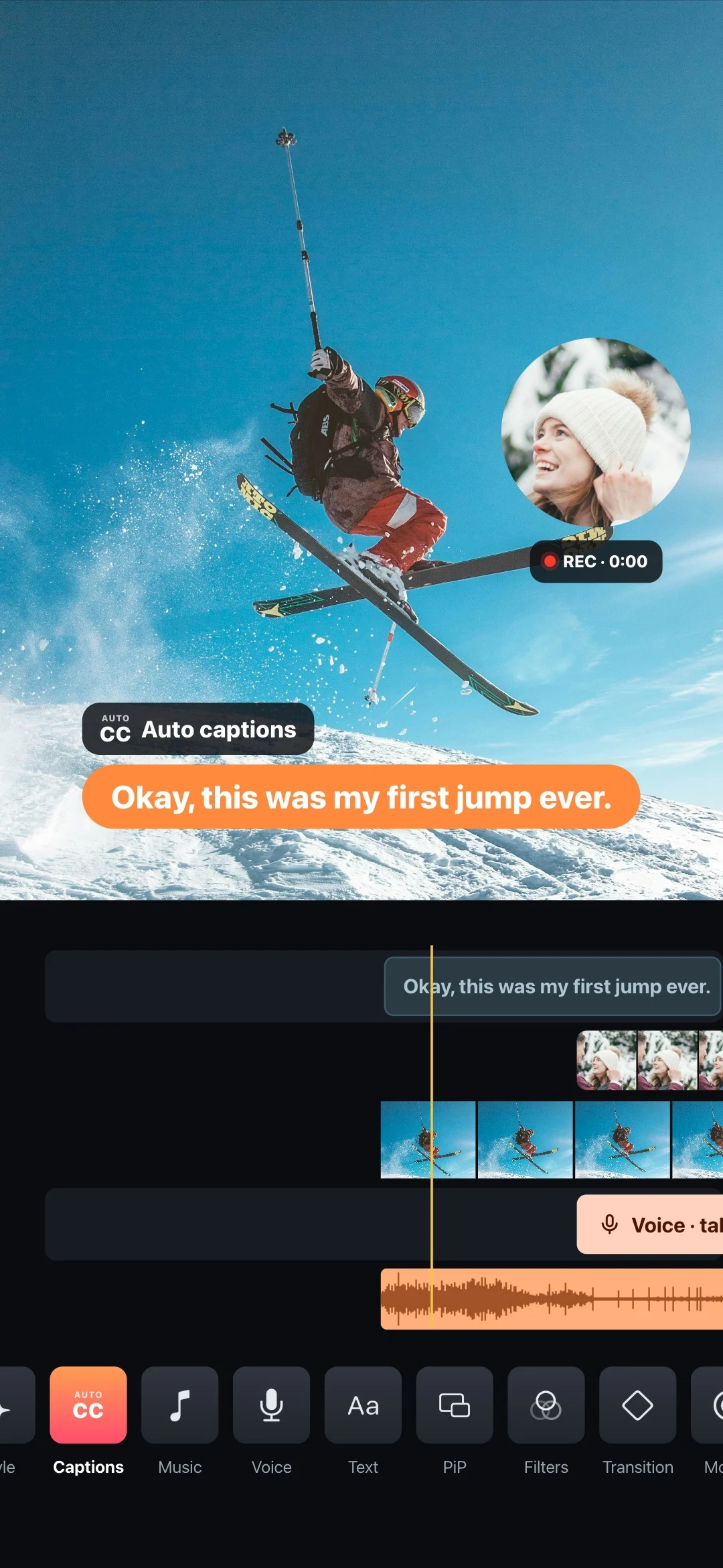
Muse's editor: picture in picture, auto captions and one timeline

Everything on one timeline.

Clips, music, titles, voice and motion — all in one place.

  • Add any song from the built-in catalogue, or use music already on your phone
  • Set the music level, and trim the track to the part you actually want
  • Trim, reorder and split without hunting through menus
Muse's timeline: clips, music, titles, voice and motion

Video collages.

Every clip plays, one after the otheror all at once.

  • Photo collages and video collages in 96 layouts — mix photos and videos in any cell
  • Trim each clip, set the play order, add music and cut on the beat
Two-cell layouts free
A video collage in Muse: every clip plays

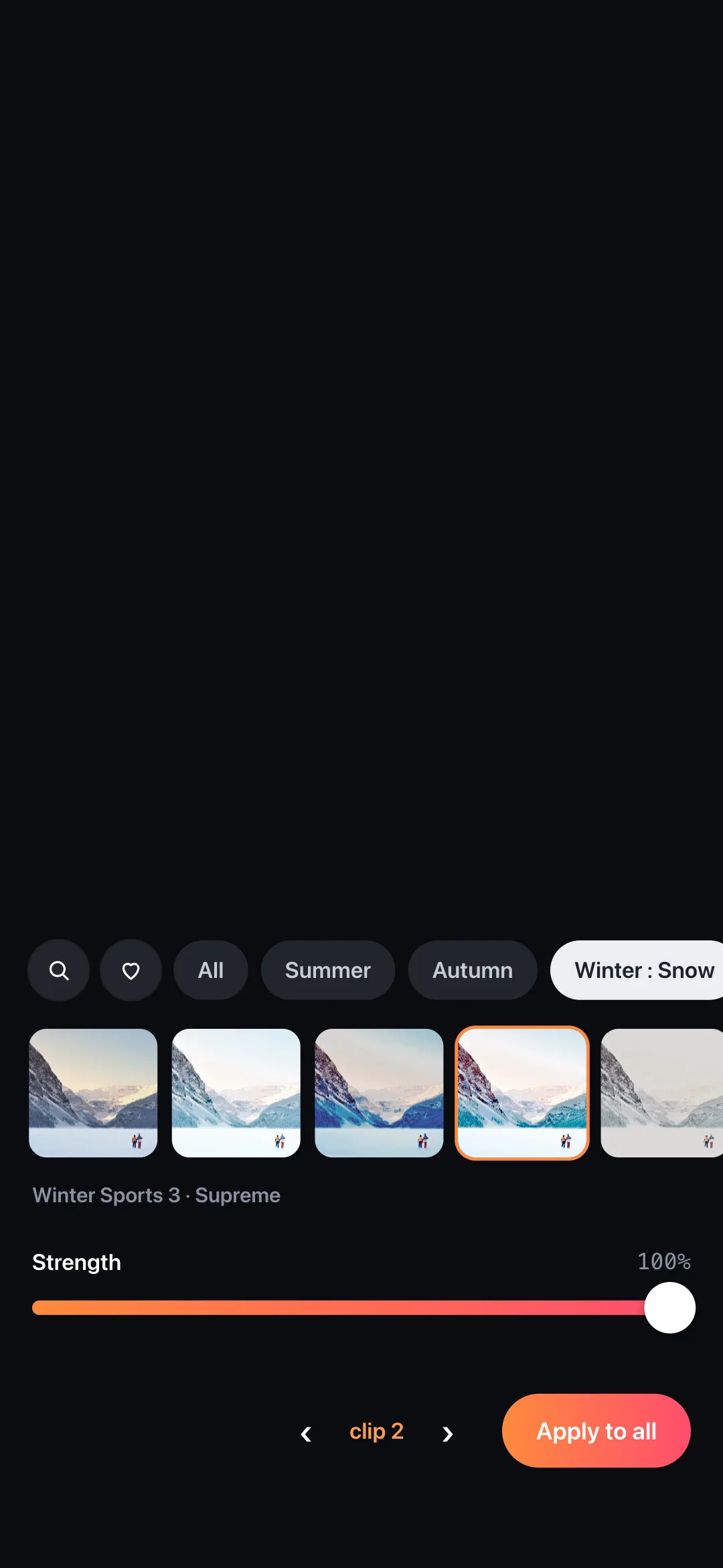
115+ filters.

A strength dial that follows your finger.Search, favourites, one tap for every clip.

  • Drag across the picture to compare before and after
  • Beach and the seasons, food, fitness and interiors
14 looks free
Filters in Muse, with a before and after line
‹ ›

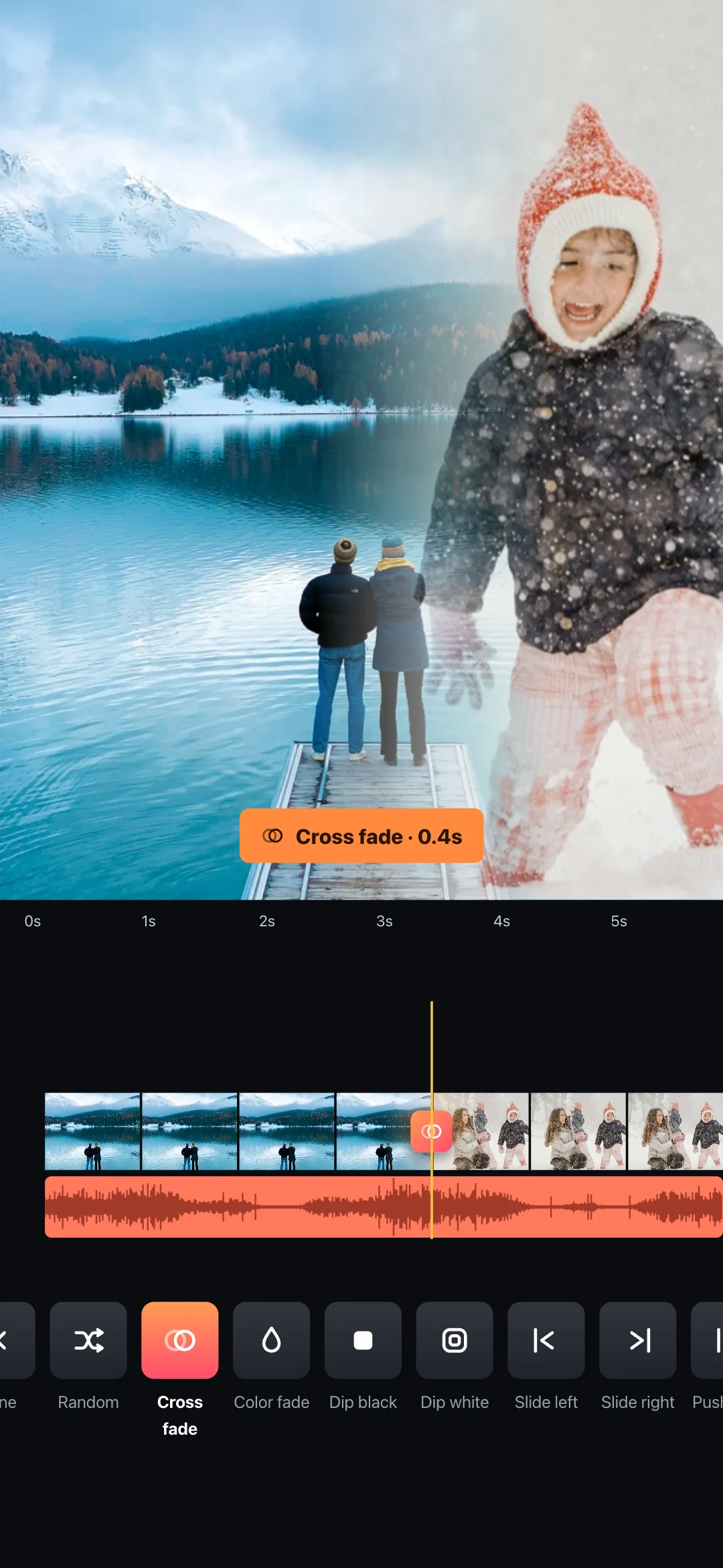
57 transitions.

Dissolves, glitches, whips, zooms and wipes.

  • Pick one and apply it to every cut at once, or set each one by hand
  • Adjust the duration to the frame
Cross fade free
Transitions in Muse

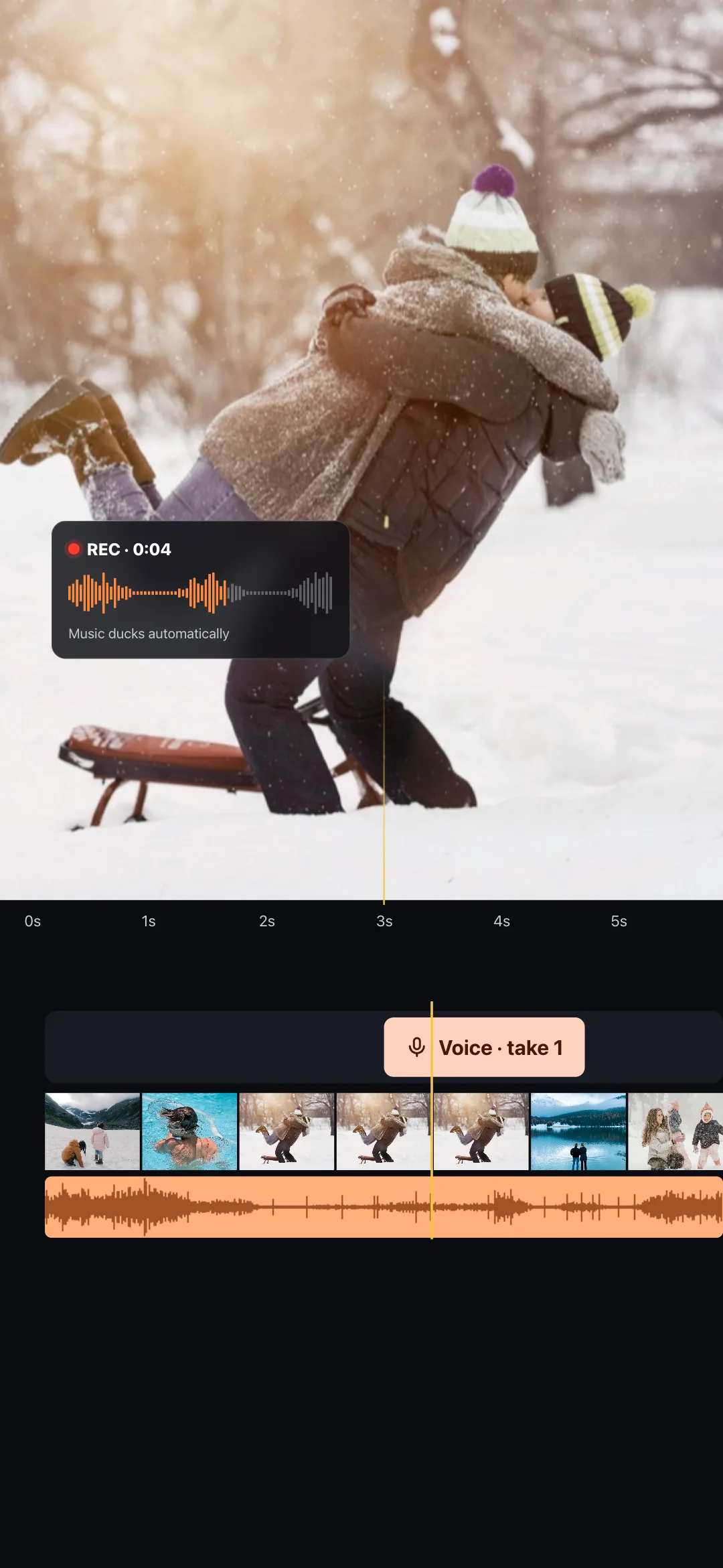
Talk over it.

Record straight onto the film.The music gets out of the way.

  • A 3-2-1 count-in, then you talk
  • The music ducks under your voice automatically and comes back up when you stop
Pro
A voiceover recorded straight onto the film in Muse

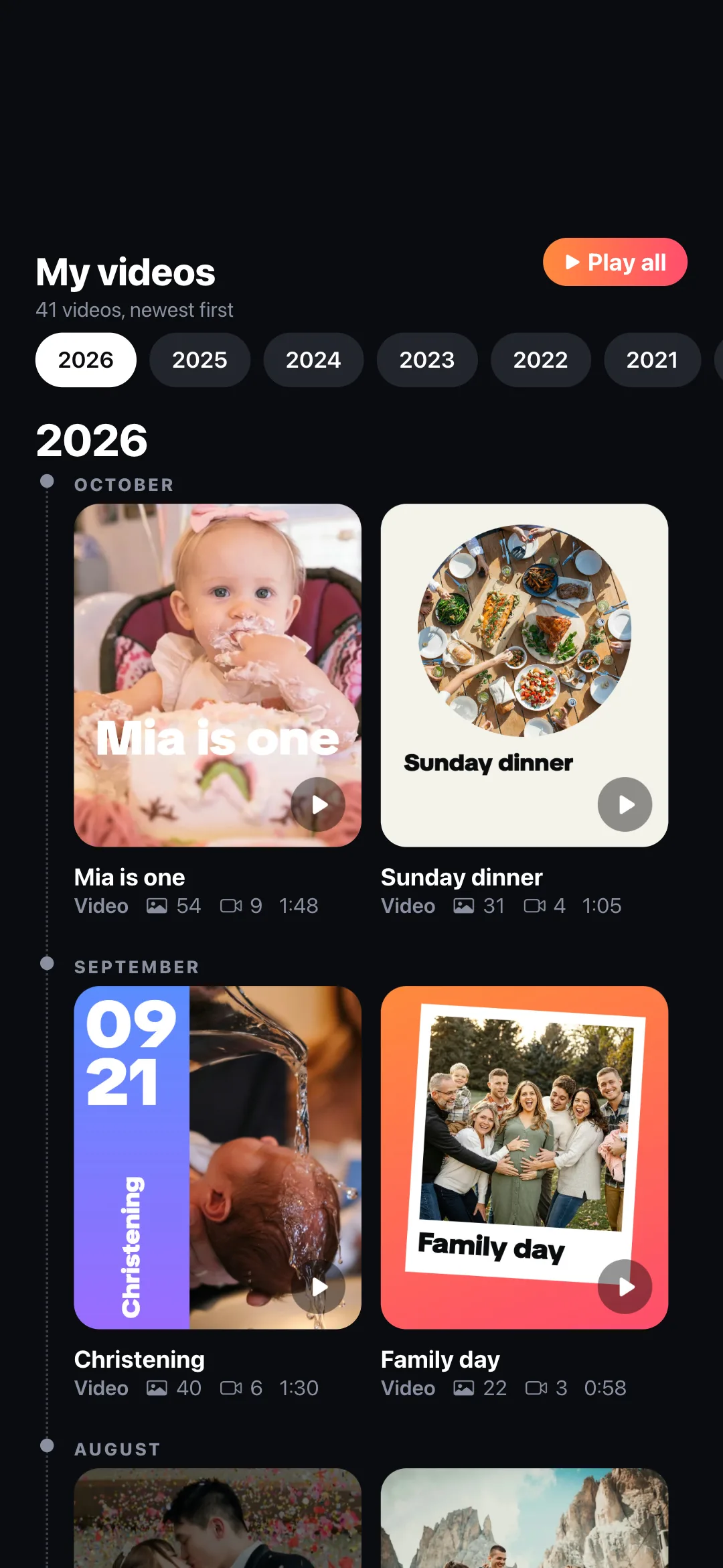
Relive every video.

Every video you make is kept in My videos,year by year: your own timeline.

  • Full screen, story style: swipe through, tap to pause, swipe down to close
Free
My videos in Muse: every video you make, year by year
Muse's timeline: clips, music, titles, voice and motion
A video collage in Muse: every clip plays
Filters in Muse, with a before and after line
‹ ›
Transitions in Muse
A voiceover recorded straight onto the film in Muse
My videos in Muse: every video you make, year by year

20+ cover templates.

Change the picture, the words,the font and the color.

Free, and what Pro adds

FREEPRO
LengthUp to 10 minutesUnlimited
Clips in a project5 videos, 15 photosUnlimited
Export720p HD, watermark1080p, 2K, 4K, no watermark
Auto captionsIncludedIncluded, every style
MusicYour songs + 8 tracksAll 40 licensed tracks
TransitionsCut, cross fadeAll 57
Filters14 looksAll 117
FontsSystem fontsAll 46
CollagesTwo-cell layoutsAll 96 layouts
Voiceover, animated photos—Included

Pro is weekly, yearly or a one-time purchase, in the App Store and Google Play. A separate one-time purchase removes only the watermark.

Questions

Is Muse free?

Yes, to try and to keep using: make videos, add your own music, caption them and save them to Photos. Free videos are 720p and carry a small watermark. Pro, weekly, yearly or once, lifts every limit; a one-time purchase removes only the watermark.

Do I need an account?

No. Open it and start. Your projects stay on your phone.

Is Muse the same as Meta’s Muse?

No. Muse is a video editor made by Galliano AS in Norway, on the App Store since 2015. It is not Meta’s AI assistant and has no connection to Meta.

Does Muse work on Android?

Yes. Muse is on Google Play and the App Store.

Where do my videos go?

Into your Photos (your camera roll), and into My videos inside the app, year by year.

I was charged by «Muse AI». Was that you?

Muse is sold only through the App Store and Google Play, so the line on your statement reads APPLE.COM/BILL or GOOGLE. Anything else is another company. This page shows how to tell, and how to get a refund.

Free to try.
Nothing is hidden behind a sign-up.

Download on the App StoreGet it on Google Play
A QR code to musevideoeditor.com/getOn a computer? Scan to get Muse on your phone.
MuseFree to tryGet